Read the equipment
Find the fly presentation and inspect compatible parts in your installed game. A familiar-looking item is not enough to establish how the setup should be assembled.
FLY FISHING / ULTIMATE FISHING SIMULATOR
A bright riverside journal about fly casting, choosing flies and exploring Ultimate Fishing Simulator at your own pace.
Find your first river questionUltimate Fishing Simulator’s official description includes fly fishing, nymphs and streamers. Start with the supported method and let observation guide the next choice.
Find the fly presentation and inspect compatible parts in your installed game. A familiar-looking item is not enough to establish how the setup should be assembled.
The game’s description points to rings on the water as a locating clue. Use them to choose an area to observe, without converting the cue into a guaranteed catch.
Choose a clear target and follow the game’s controls. A repeatable action is more useful to a beginner than chasing the longest throw or an imagined advanced manoeuvre.
Keep a familiar setup and location while changing the item or position you want to investigate. A narrow comparison makes the result easier to understand.
Start with the game’s fly presentation, a clear piece of water and one repeatable action.
Use fly categories to ask better questions about the presentation you are trying.
Treat visible activity as a reason to look closely, not a guarantee attached to a map point.
The useful aesthetic is a readable action: place, path and enough space to notice the result.
A short route can combine looking, practising and returning without becoming a hunt for secret spots.
Normal and Realistic are different settings for the session, not labels for the player’s worth.
Keep one observation in mind, then let the river visit answer it.
Find the fly presentation and inspect compatible parts in your installed game. A familiar-looking item is not enough to establish how the setup should be assembled.
| What you choose | What it helps you ask | What to record |
|---|---|---|
| A supported fly setup | Can I assemble and control this presentation? | The complete fitted equipment |
| A nymph or streamer | What differs in this compatible item or category? | The in-game item and purpose of the attempt |
| A surface cue | Where should I look more closely? | The observed activity and the chosen view |
| Normal or Realistic mode | What feedback and pace suit this session? | The mode and viewing tools used |
An original beginner exercise keeps the target modest and the comparison understandable.
Find accessible water where you can see the intended area clearly. Check the familiar fly setup before acting on a visible surface cue.
Use the controls shown by the game, aim for a manageable presentation and notice what follows. Change one relevant factor if the result is hard to read.
Write the item, mode, position and actual result. Leave one next question rather than turning a single encounter into a universal rule.
Equipment and destination choices create more possibilities as you progress through Ultimate Fishing Simulator. Read the current game’s requirements before choosing what to buy or where to go.
Normal and Realistic modes offer different learning contexts. Pick the setting that suits the action you want to understand rather than treating difficulty as a competition.
Assemble suitable equipment and make an action you can repeat from a clear position.
Compare compatible items while preserving enough context to explain the difference you observed.
Build a small route with a familiar view, a useful casting position and one question for another evening.
Ultimate Fishing Simulator includes fly fishing with nymphs and streamers alongside its other methods. This river journal focuses on learning the presentation, reading the water and choosing a manageable next step. Check the original game’s store page for its current features and requirements.
Explore the original simulator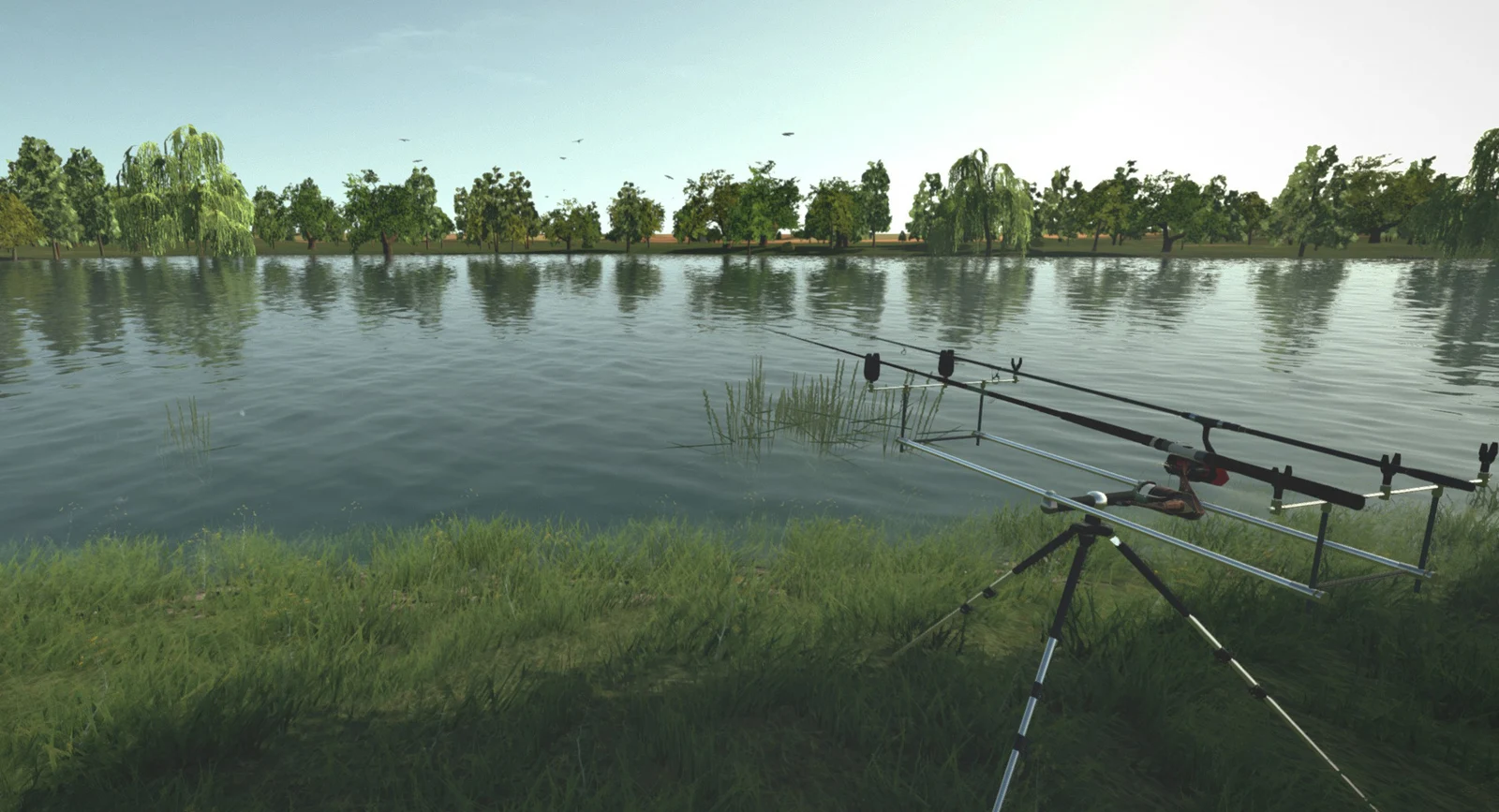
Yes. The official Steam feature list names fly fishing and includes nymphs and streamers among the equipment.
No. Treat the locating clue as a reason to observe an area and plan a presentation, not as a guarantee about the next cast.
Use the game’s own controls and bindings. Real-world terminology can provide background, but it does not establish which movements the game simulates.
The official description distinguishes Normal and Realistic in encounter pace and available features. A comparison should preserve that context.
Choose two compatible items with a specific question, keep the setting familiar and record what you actually observed before explaining why it happened.